

Marion Hanson
Marketing Executive
Have you recently got a telematics device from us or are thinking about acquiring a telematics device with Motia?
Here are some of the frequently asked questions relating to how this telematics device operates via the telematics app/ MyMotia (formerly known as My Fleet Hub).
What are telematics and how can they improve your fleet’s performance? Click here to find out.
To access MyMotia you will first need to go to our website; we advise accessing the hub from a desktop to get the best experience.
Once entering the website you will see the ‘Account Login’ button on the top right side of the website.
This is a uniquely generated code that you will need when you first enter the telematics app/hub. When you open MyMotia for the first time, select the ‘Activate Account’ tab from the first screen; then you will be asked for an activation code which has been sent to you in the welcome email. You will also be asked to enter the policy email address and create a secure password for future logins.
Download the app by following the on-screen steps. You’ll need the activation code which you can find in the welcome email, so have this to hand.
Once you have downloaded the app, open it, and on the first screen, you will be asked to enter your email address associated with your policy and create a secure password. Click on the ‘Continue’ button to proceed with the activation. You’ll need to type in your phone number and the activation code.
Access MyMotia here.
Top tip: once you have downloaded the app, activated your account, and enabled permissions, pull the blue tab out of the device and get connected straight away. If you pull the tab out before being ready to connect, the device will go to sleep and it will need to wake back up.
We recommend downloading the app as soon as the device arrives, but don’t pull the tab out of your device until you are ready to connect.
Our helpful team will walk you through the simple steps and will be available for you to contact them if you run into any issues along the way.
The device will usually be delivered within 7-10 days of your cover start date.
Accessing MyMotia is a requirement of your telematics system policy. Checking the app to review your journeys on a regular basis will help keep you in touch with your fleet drivers’ ratings and through this fleet management app you will be able to send them personalised feedback on how they can develop safer driving habits.
Without logging on to MyMotia, you won’t be able to identify fleet driver trips. We’ll send you reminders if you haven’t registered in the app or trips aren’t being recorded. If you fail to download or re-install, the app your policy will be cancelled.
As part of the app registration setup, you will be asked to enable the following permissions:
After you have activated your account, the app will guide you through setup and will help enable all the right permissions for your desktop.
The app will record all journeys made by connected vehicles, specifically focusing on date, time, location, speed, mobile phone use, harsh braking or cornering. You will be given a driving score based on these factors: after every journey and as an average each week.
From this, you will be able to generate monthly reports for your fleet drivers.
Trips should appear in the app shortly after recording, but in some instances may take a little longer. Please also note that not all journeys will be recorded, we expect to see around 95%, so don’t worry if the odd one is missing. A trip may not appear in your app for the following reasons:
If you’ve checked all those things and you’re still having trouble, please contact us with as much detail as you can.
Did you know we also provide telematics servicing and maintenance?
If the insured vehicle is used outside the UK, journeys will still be recorded in most instances, although maps will vary depending on the country visited. Please refer to the policy terms to make sure you have the correct guidance.
Your data is in a very secure form and it will only be used to assist your company. Our technology provider will have access to your data to provide the app, device, and driving feedback to you via email and SMS, but it will not be shared with any other third party. Data we collect via your app helps us determine your driving score and any feedback we provide. For example, if another driver is attempting to make a false claim about you, we will use your data in your favour.
Each journey score is calculated from a combination of factors that include Smoothness, Speed, Distracted Driving and Usage ratings.
Smoothness considers harsh braking, fast acceleration, and how cautiously your fleet drivers approach corners. Looking ahead and trying to anticipate what’s coming is a good habit for your fleet drivers to get into, and slowing down on approach to speed bumps will help improve your smoothness score – your fuel economy will benefit too!
There are two parts to the Speed rating: the safe speed of the road, and speed limits. Obeying the speed limit is obvious – due to your driver rating and the legal implications. Safe speed is about judging the road conditions, for example, is traffic heavy, are schools coming out, is your visibility impaired due to bad weather? They are all things to consider when making everyday driving decisions.
Distracted Driving – there are three levels of Distracted Driving considered in your fleet drivers journey rating. Hands-free – through headphones or a vehicle’s system, hand-held calls and direct screen usage. All count negatively towards their score but differ in the level of distraction and so are rated separately.
Usage measures how and when you use your fleet car. These are time of day, journey volume, and journey duration. The time for travelling in the late night / early morning hours can allow more accidents to happen; if you are using your fleet vehicles between 11 p.m. and 5 a.m., extra care will have to be maintained in order not to hurt a good score. Again, if there are too many journeys travelled in one day, long journeys are undertaken – those particular instances are more likely to cause fatigue in the driver and, therefore, a higher risk of an accident.
Learn more about driver fatigue and your driver’s fitness to drive here.
If your fleet drivers have a green trip or green weekly rating, they are driving safely; keep checking the app for feedback on their trips.
If you receive an amber trip or amber driving week, there is one particular driving behaviour that is pulling down your fleet driver rating, for example, speeding. You will be able to work on increasing your driving score by referring to your driver’s recent trips and sending them notifications. Every event of driving is pinned onto a map so you know where exactly they need to improve.
If you have a red trip or red driving week, there are likely to be aspects of your fleet drivers’ driving which are considered severe, unsafe, and may mean your drivers are more likely to have a collision. You should be sending regular feedback and reminders to help your drivers identify where you can improve following a red weekly score.
Connected through your device and MyMotia, we will start rating each of the trips, and it goes to your dashboard.
Also, a weekly update as the progress is sent in emails and also available in the telematics app on different dials that you can refer back to whenever.
Yes, there are three levels of Distracted Driving considered in your journey rating. Hands-free calls are considered the least risky, but will still count negatively towards your driver’s score.
Your device identifies every time that your car engine has been started and stopped and will confirm the completion of every trip to be reflected on MyMotia.
If your device isn’t working as expected, please check everything is connected. If you’ve checked everything and your telematics portal is still not registering trips, please contact us.
The device can be removed from your car on your last day of cover and the plastic casing, battery, and electrical components can be disposed of safely at your local household recycling centre.
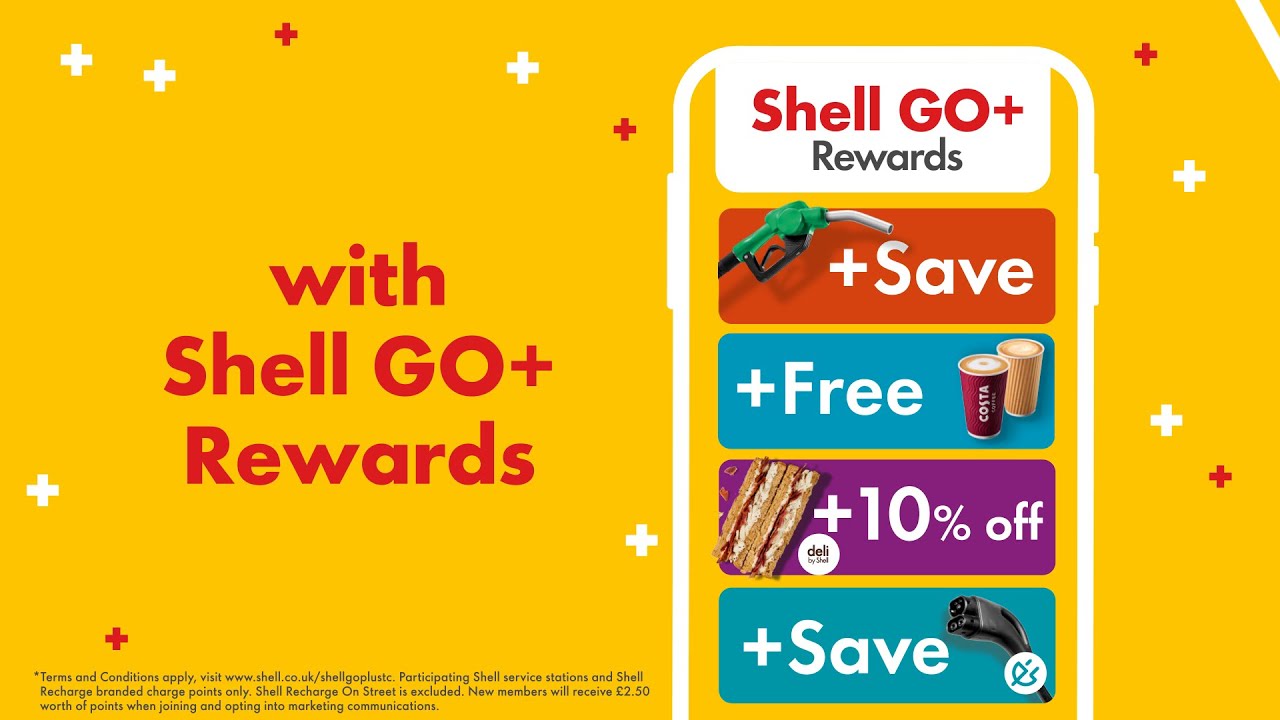
Did you know that our telematics device allows you to integrate your fuel cards? This prevents fuel fraud and other safety issues and is something that makes us stand as a market leader within the telematics industry.
For more useful advice and information visit our news and advice page where you can find out all about our services and how they can benefit you.

Providing Fleet Solutions to optimise operations, cut costs, and keep your business moving.





.jpg)






























.jpg)